Sign out
Sign out when you finish working, especially on a shared computer. This prevents another person from continuing with your account in the same browser.
Overview
On a main workspace page, the user menu at the bottom of the sidebar displays your account name and provides Profile, Appearance, and Logout. This menu is shared by administrator and manager layouts; the other sidebar entries differ according to the account and current site. A detail page can replace the main sidebar and hide the user menu. Use Back to return to a main page first.
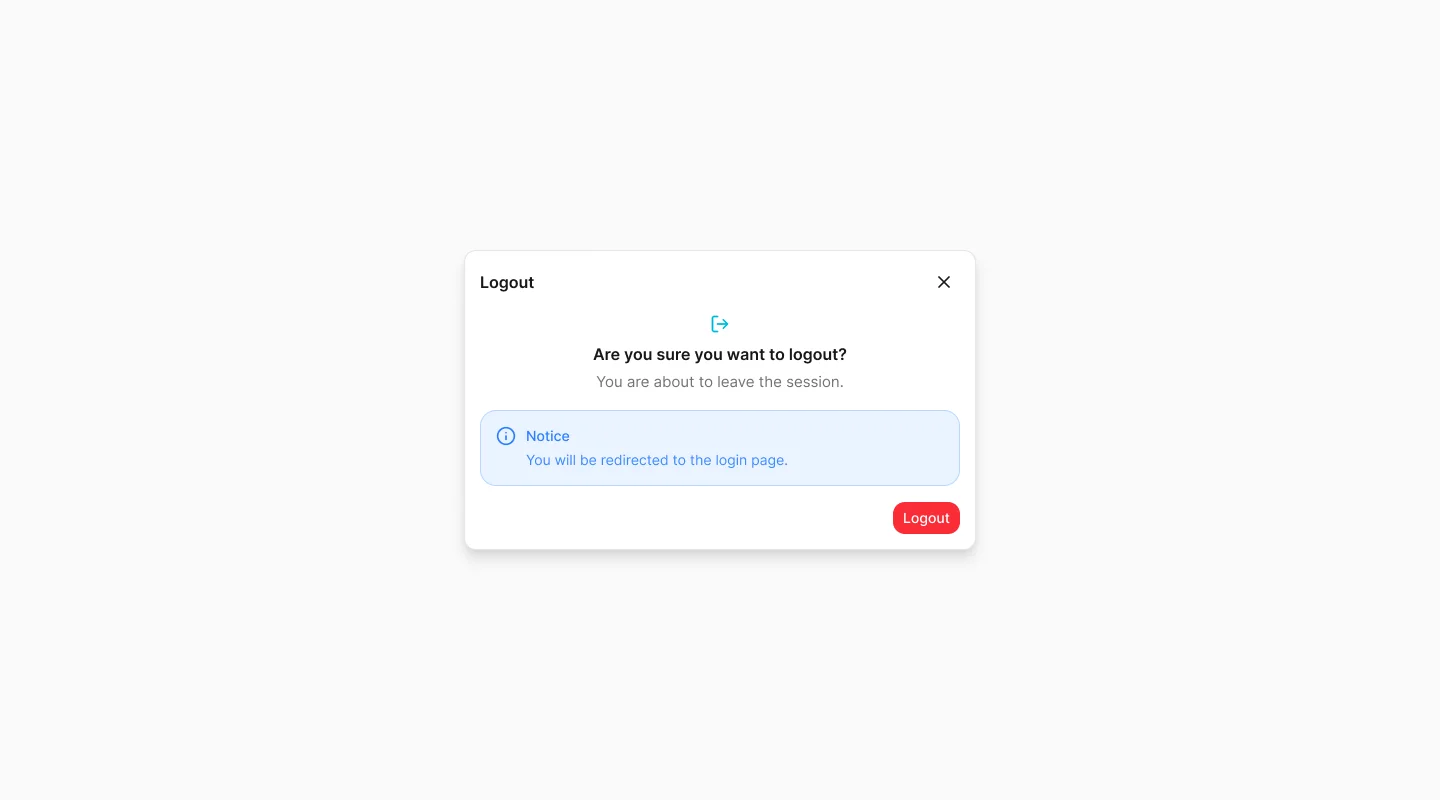
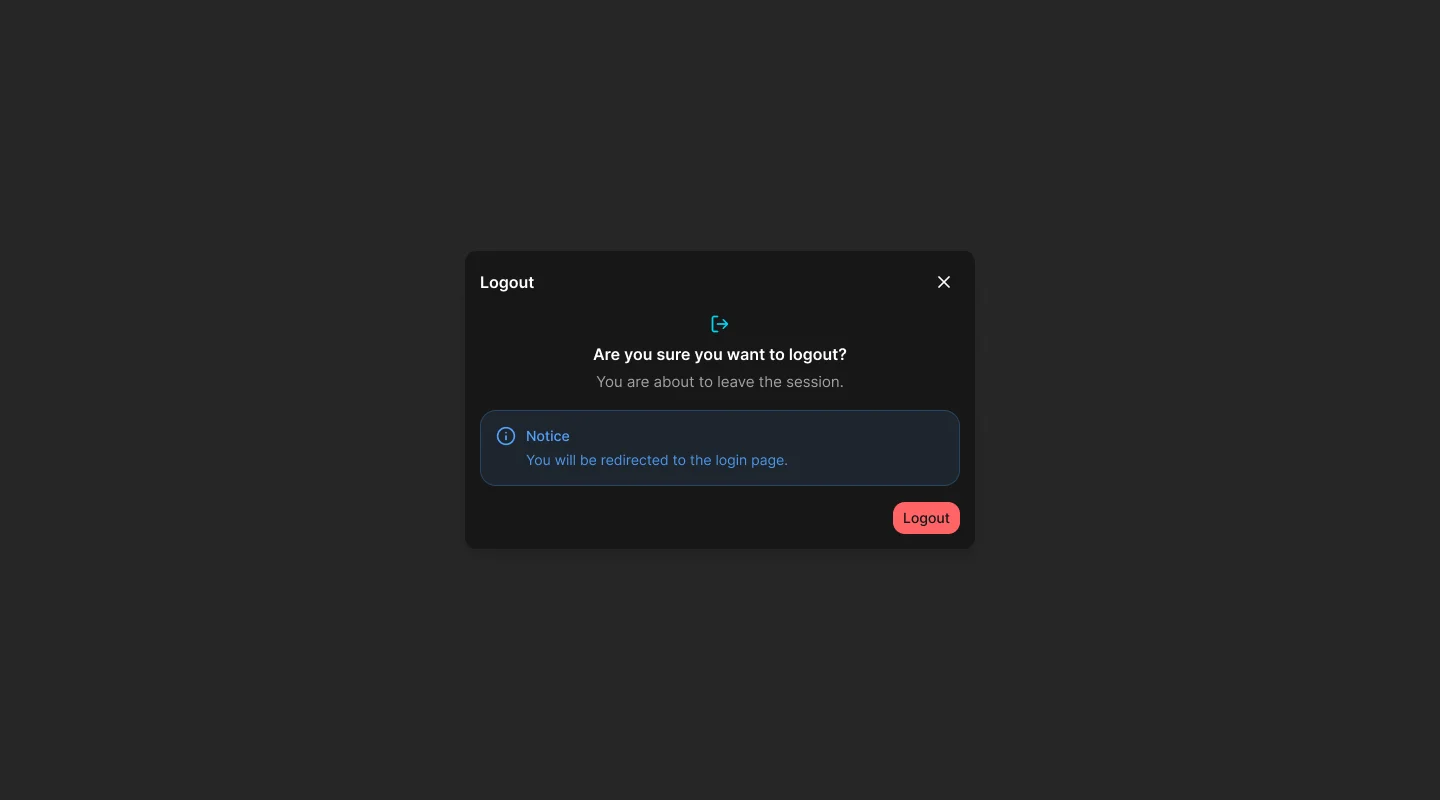
Selecting Logout opens a confirmation dialog rather than ending the session immediately. The dialog says you are about to leave the session, explains that the browser will return to the login page, and offers a close control and a red Logout button. Review it before confirming. No account data is deleted by signing out.
End your session
Open the user menu
Return to a main page if you are viewing a detail. Select your account name at the bottom of the sidebar. If the sidebar is collapsed, select the account avatar button instead. The menu opens with your account name, Profile, Appearance, and Logout.
Select Logout
Choose Logout from the user menu. Spot Orbit opens the Logout confirmation dialog.
Review the confirmation
The dialog explains that you are about to leave the session and will return to the login page.
Confirm the action
Select Logout. Spot Orbit ends the current session, clears its active site information, and opens the login page.
You must sign in again before opening a protected page.
Keep the session open
If you opened the dialog by mistake, select the × close button in its upper-right corner. The dialog closes and your session remains active. You can continue on the same page; the logout button has not been activated.
Frequently asked questions (FAQ)
No. It first opens a confirmation dialog. The session ends only after you select Logout in that dialog.
Spot Orbit ends the current session and redirects the browser to the login page. Protected pages require a new sign-in.
Select the close button on the confirmation dialog. Your session remains active.
No. Use Logout and confirm the action so the application explicitly ends the current session.
Related content
- Getting started — Review the main Admin workspace.
- Sign in — Start a new authenticated session.
- Dashboard — Review the operational summary before finishing your work.