Events
Overview
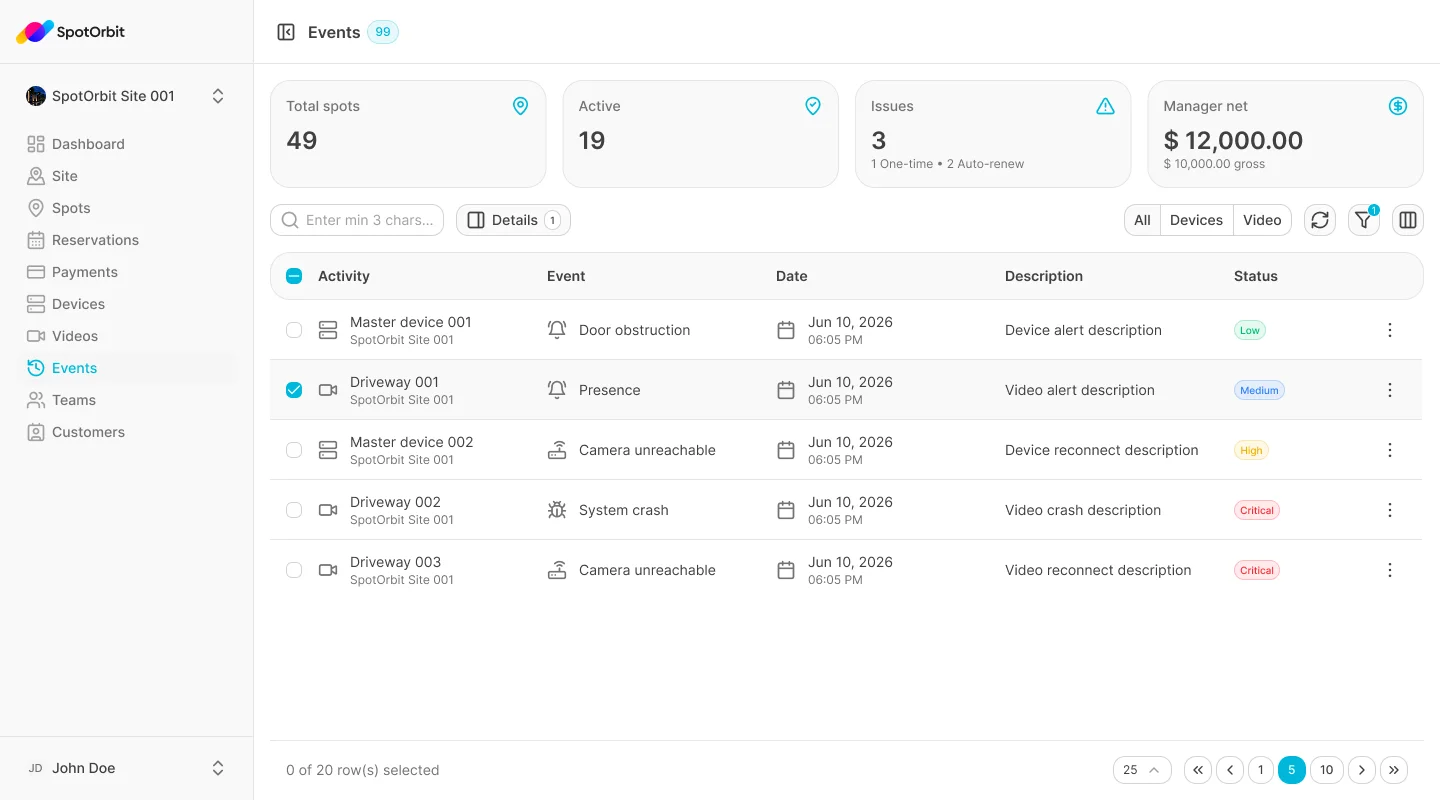
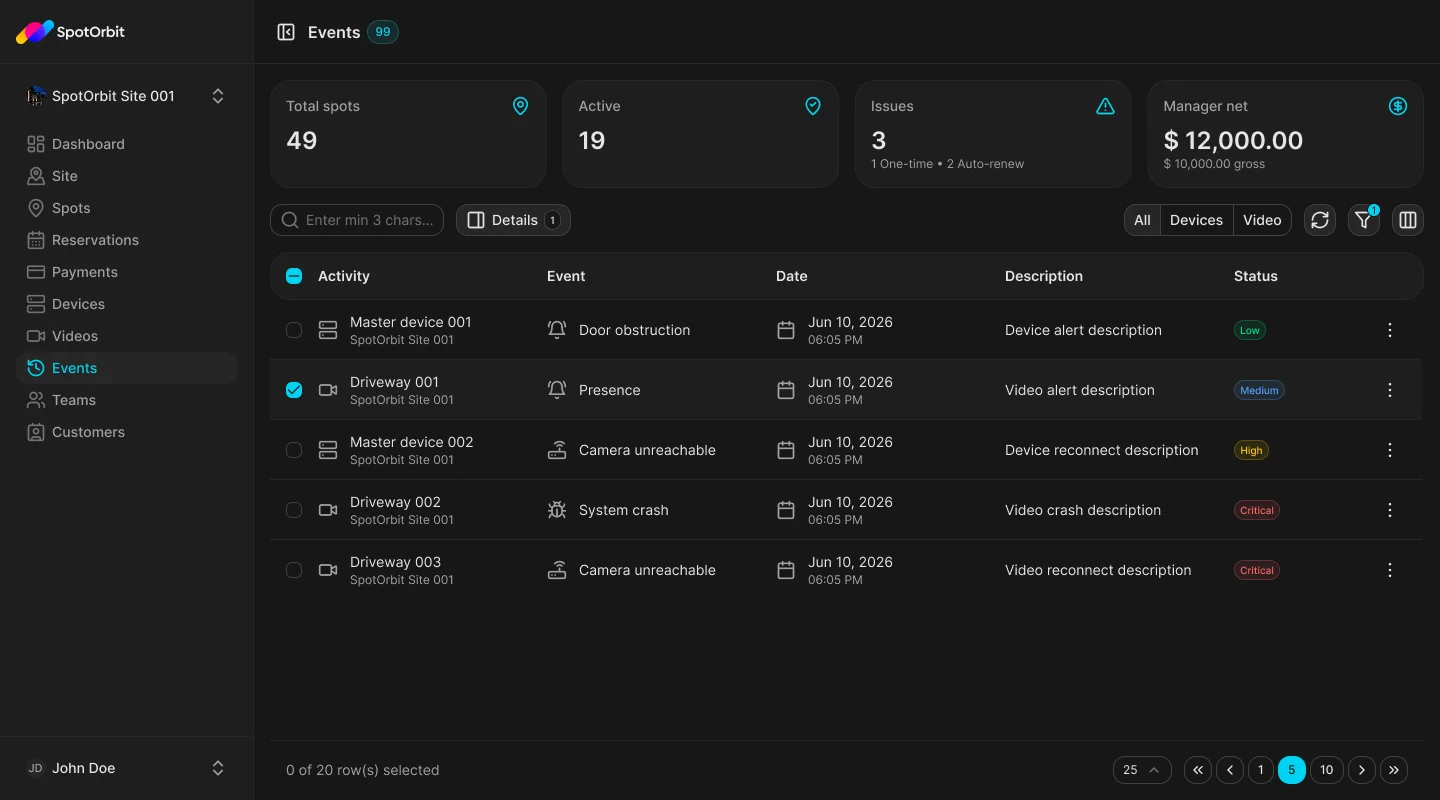
Open Events in the manager menu after selecting an authorized site. The four cards summarize Total spots, Active reservations, Issues, and Manager net with gross. They describe the whole site. Rows show Activity (device/video source), Event, Date, Description, and Status. The title count describes matching events.
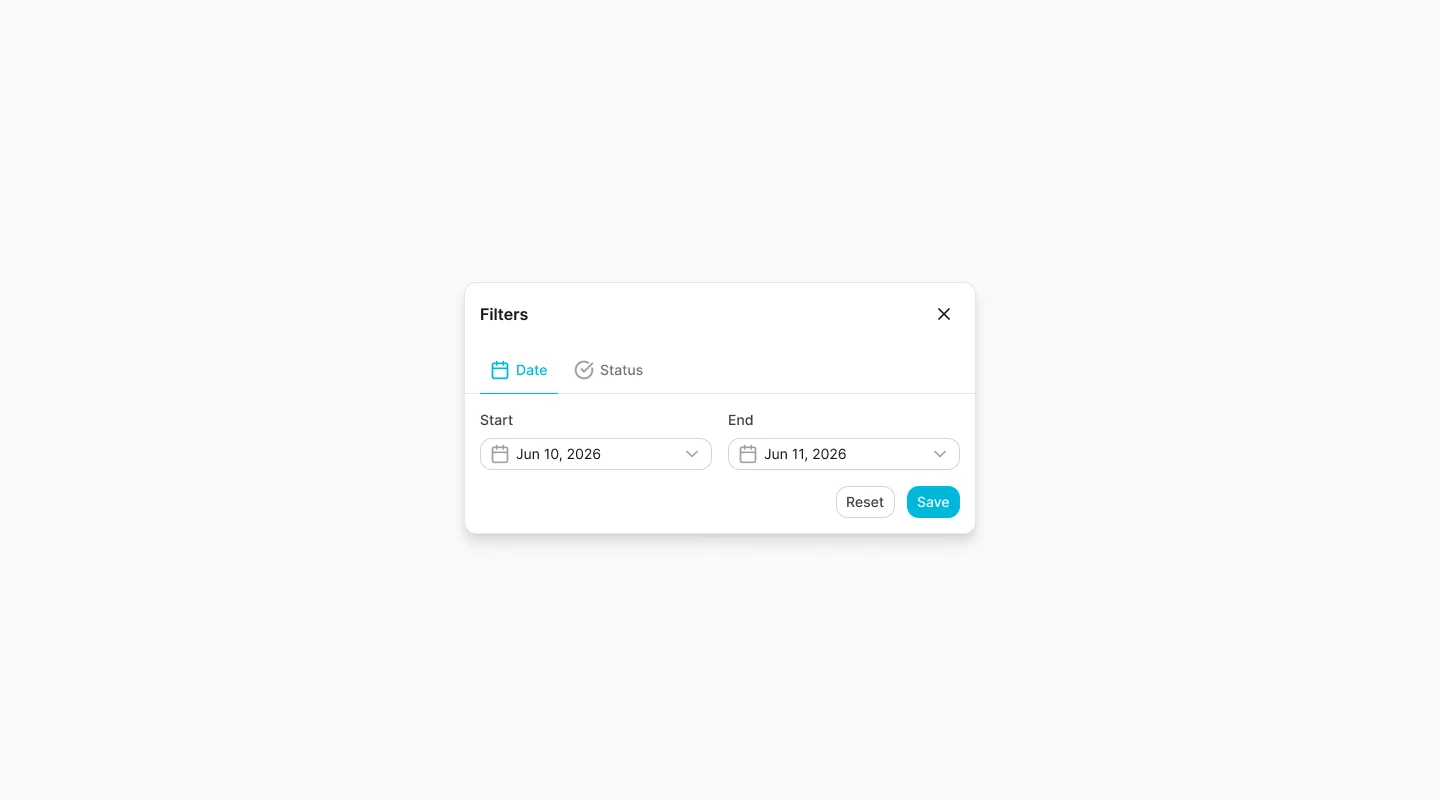
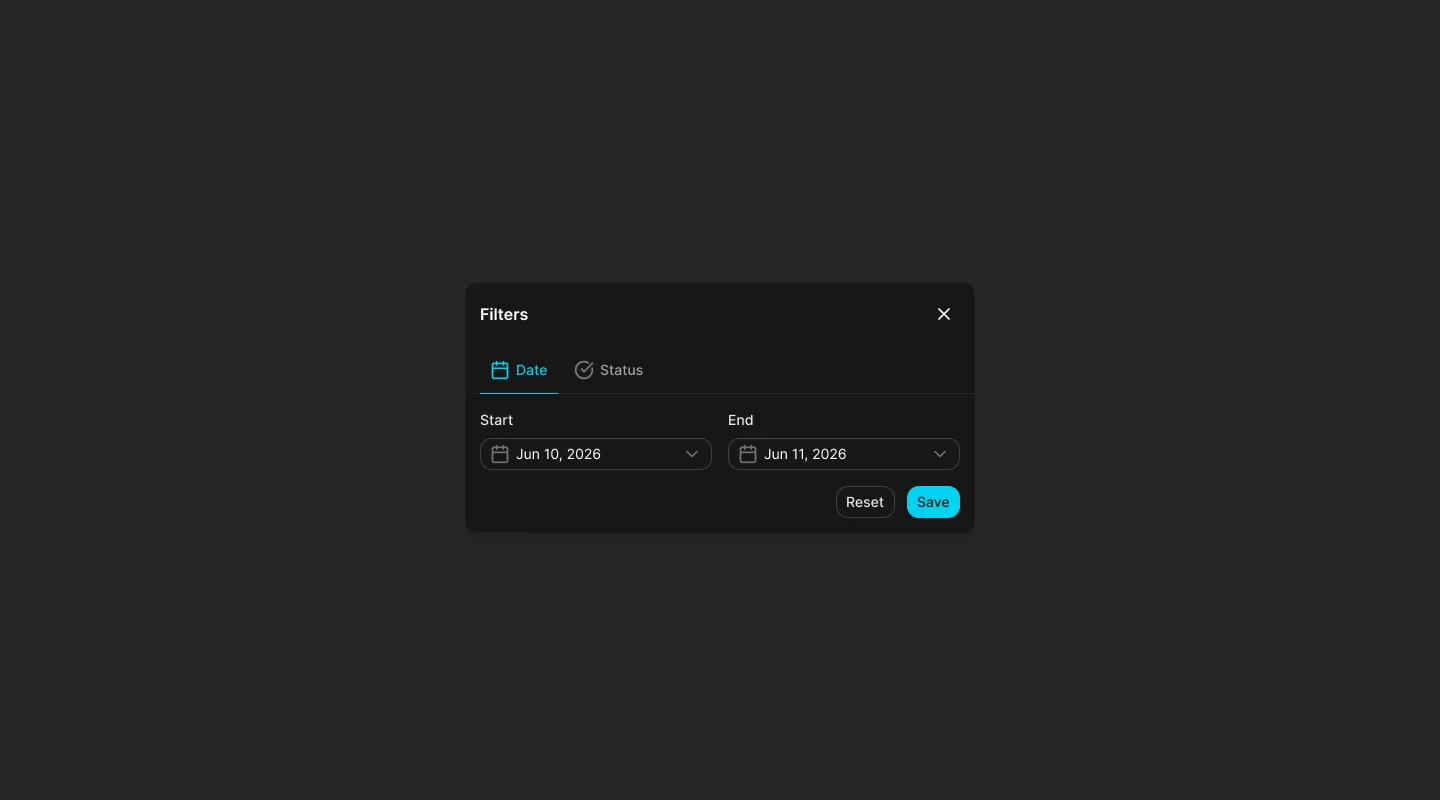
Search starts at three characters. The toolbar's All, Devices, and Videos buttons apply the source immediately. Refresh reloads events. Filters has Date and Status tabs. Date uses separate Start and End calendars; Status shows All with Low, Medium, High, and Critical disabled. Severity filtering is unavailable, so every severity is included. There is no Event-type filter.
Table Status describes severity: Low, Medium, High, Critical, or Unknown. It is separate from event lifecycle and device connectivity. Column visibility/order and pagination are available, initially 10 records. Events are newest first with no user-controlled sorting, export, editing, or deletion. Changing site, search, source, or dates returns to the first page. Search and supported filters are retained on return.
Select one event for Details or use its row menu. With several selected, the toolbar still opens the first event.
Find an event
Choose the site and source
Check the selected site. Choose All, Devices, or Videos in the toolbar. Changing source closes an open event detail and retains the date criteria.
Set the dates
Open Filters → Date and choose Start, End, or both. End includes the entire selected day in your browser's time zone. Start must be on or before End; an invalid range cannot be saved. Save applies the dates. Reset clears dates and closes the dialog, preserving the toolbar source and separate search. Closing without Save abandons the date draft. The filter badge counts the applied date range, not the source.
Search and inspect
Enter at least three characters or page through the rows. Open Details for the intended event and compare source, time, description, and severity. Shorter search text leaves the list unsearched.
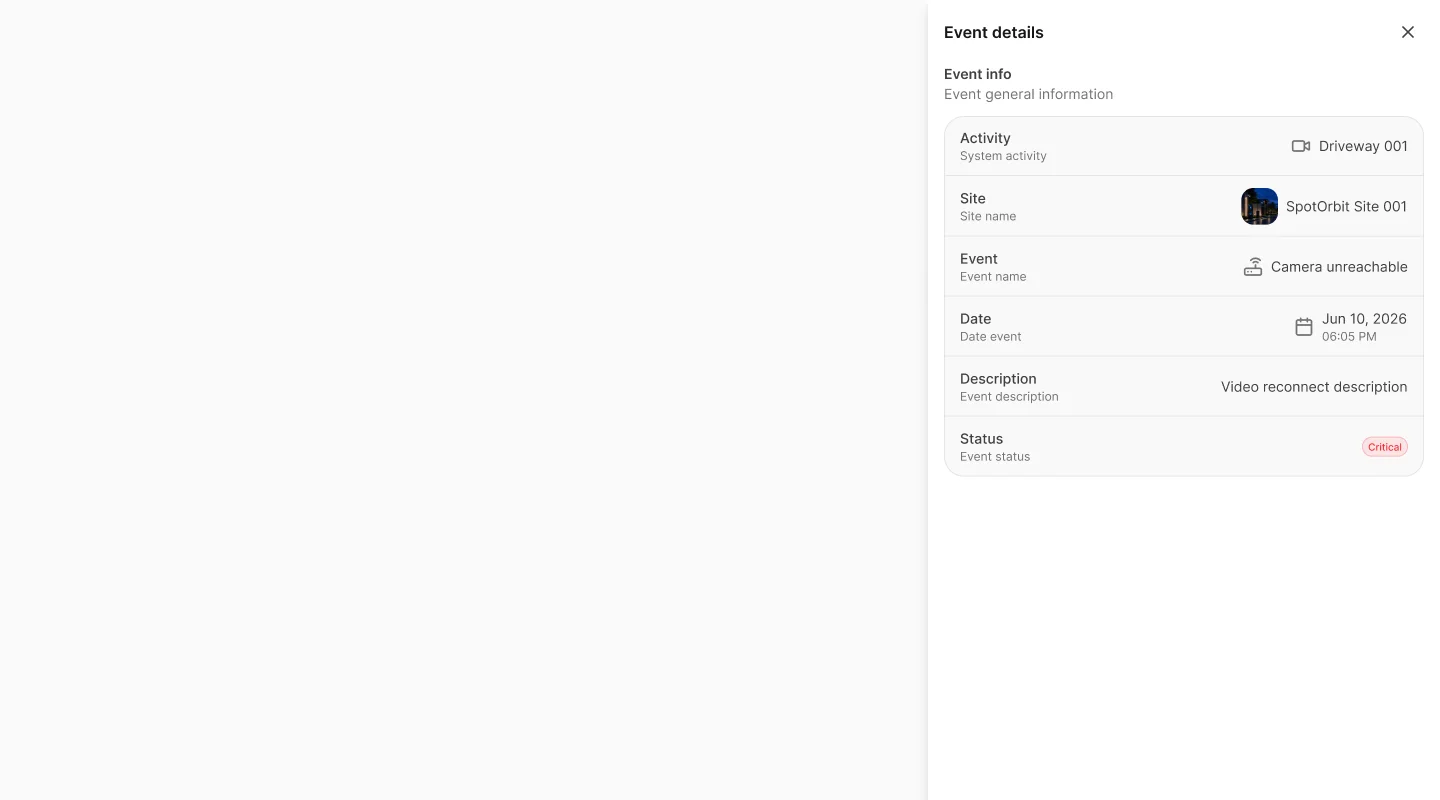
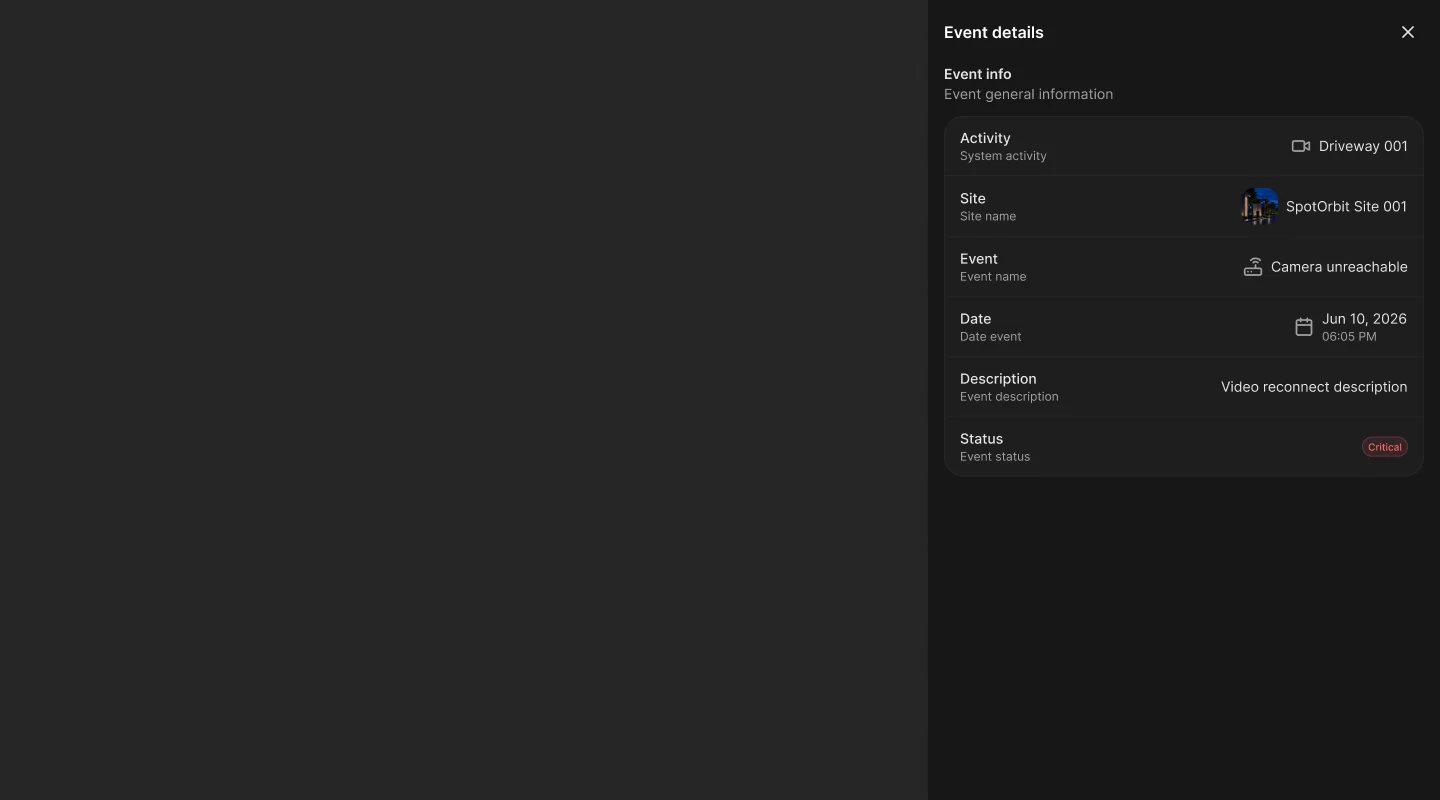
Loading, empty, and error states
Wait for loading placeholders to finish. No events yet describes the matching list: check source, dates, and search before concluding that the site has no records. Could not load events offers Retry. No sites available requires an accessible site. A past event and its severity do not establish the device's current state.
Frequently asked questions (FAQ)
Low, Medium, High, and Critical are disabled in Status. All severities are included; the displayed severity is not an editable event state.
No. It clears dates while preserving the toolbar source and search. Select All separately to include both device and video events.
Yes, in the browser's local time zone. You can also use only Start or only End.